
EvoWalk Application Design
August 2020 - January 2021
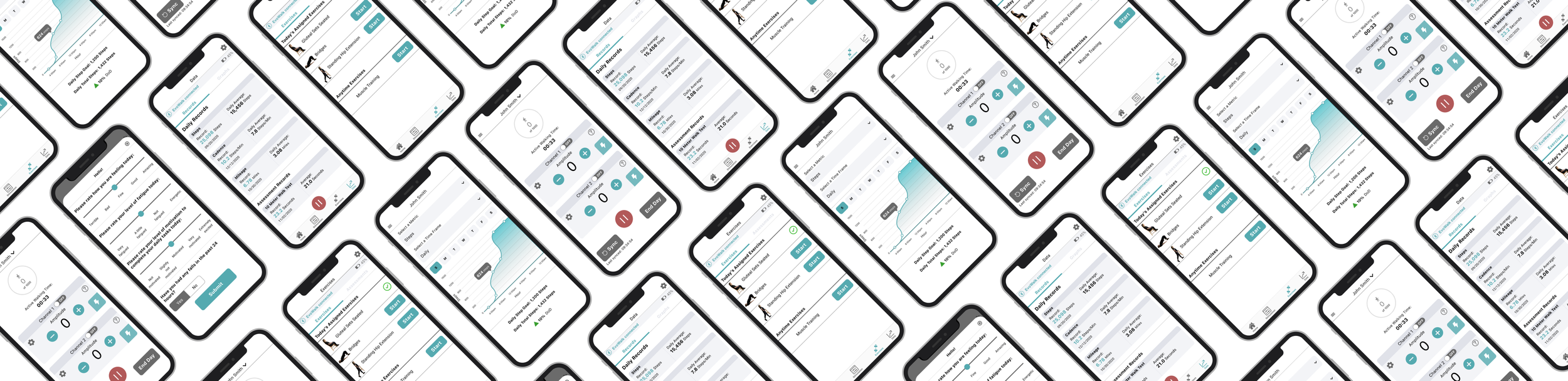
I redesigned the EvoWalk app to better support individuals with foot drop by addressing their specific mobility and accessibility needs. We also expanded its functionality to improve integration with physical therapy services, providing more comprehensive rehabilitation support.
Personas
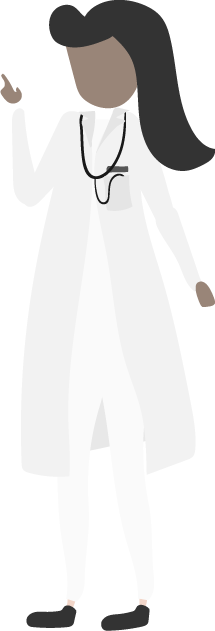
We conducted user interviews with patients and physicians to identify key needs and pain points for the future EvoWalk app. These insights informed the creation of two representative personas that guided our design decisions.
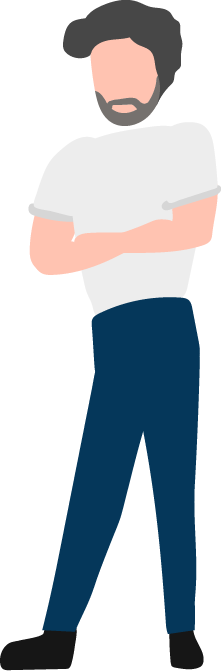
Physicians
Advanced medical knowledge
Often, physical therapists with neurological specialty
Excited to help their patients
Patients
Individuals that have foot drop
Lack of fine motor skills
Not technology savvy
Basic/average level of medical knowledge
Highly motivated and willing learners
Patient Accessibility Concerns
The EvoWalk supports individuals with foot drop—often resulting from neurological conditions—requiring the app to be thoughtfully tailored to their specific physical and cognitive needs.
Physical Impairments
Many of the patients who suffer from neurological disorders have muscle and nerve deterioration or even paralysis of part of the body. Therefore, many of them are only able to use one hand.
Vision Impairments
Many of the users are elderly and describe having trouble seeing small text or recognizing small buttons on phone or tablet screens.
Initial Sketches
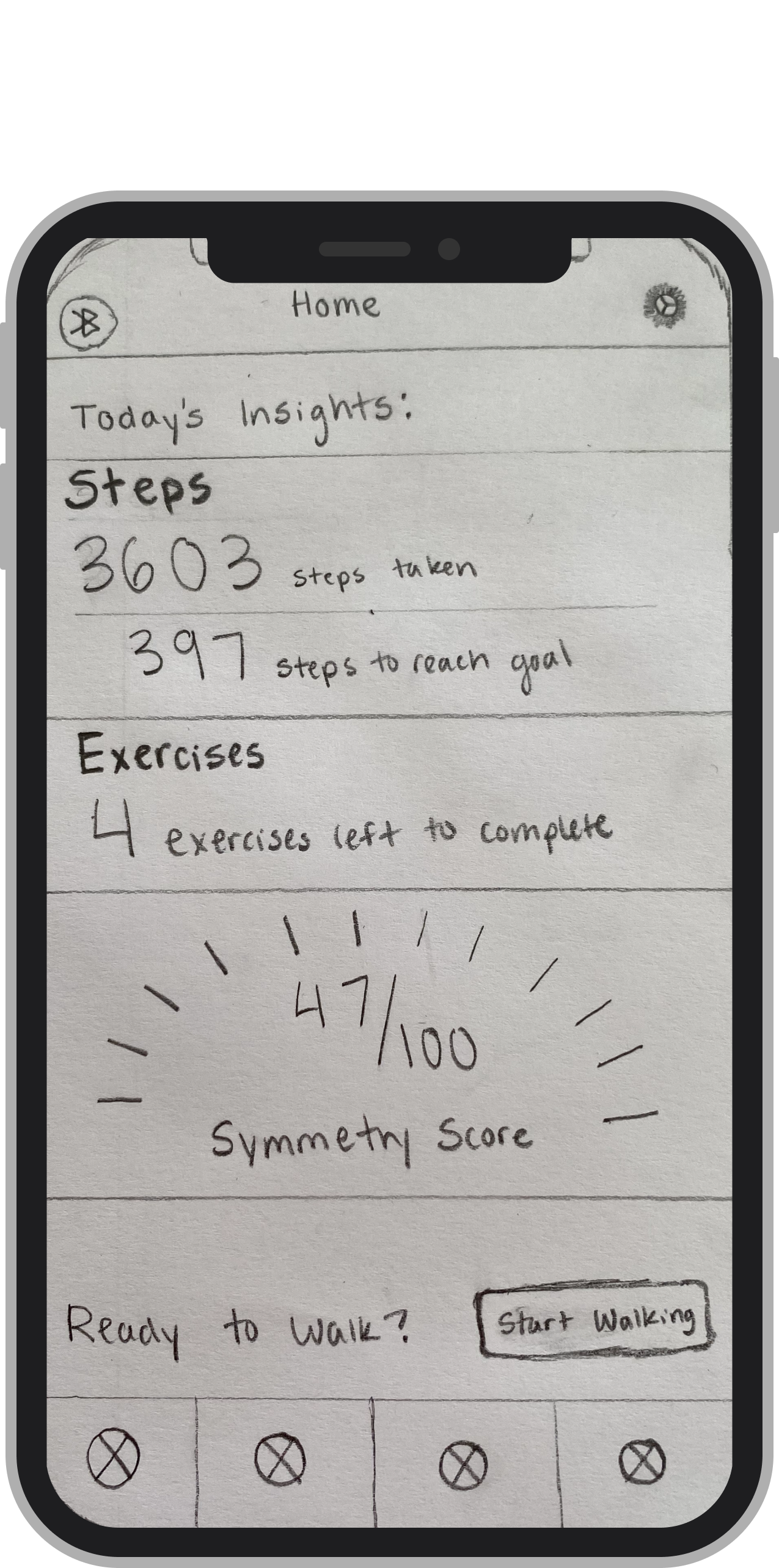
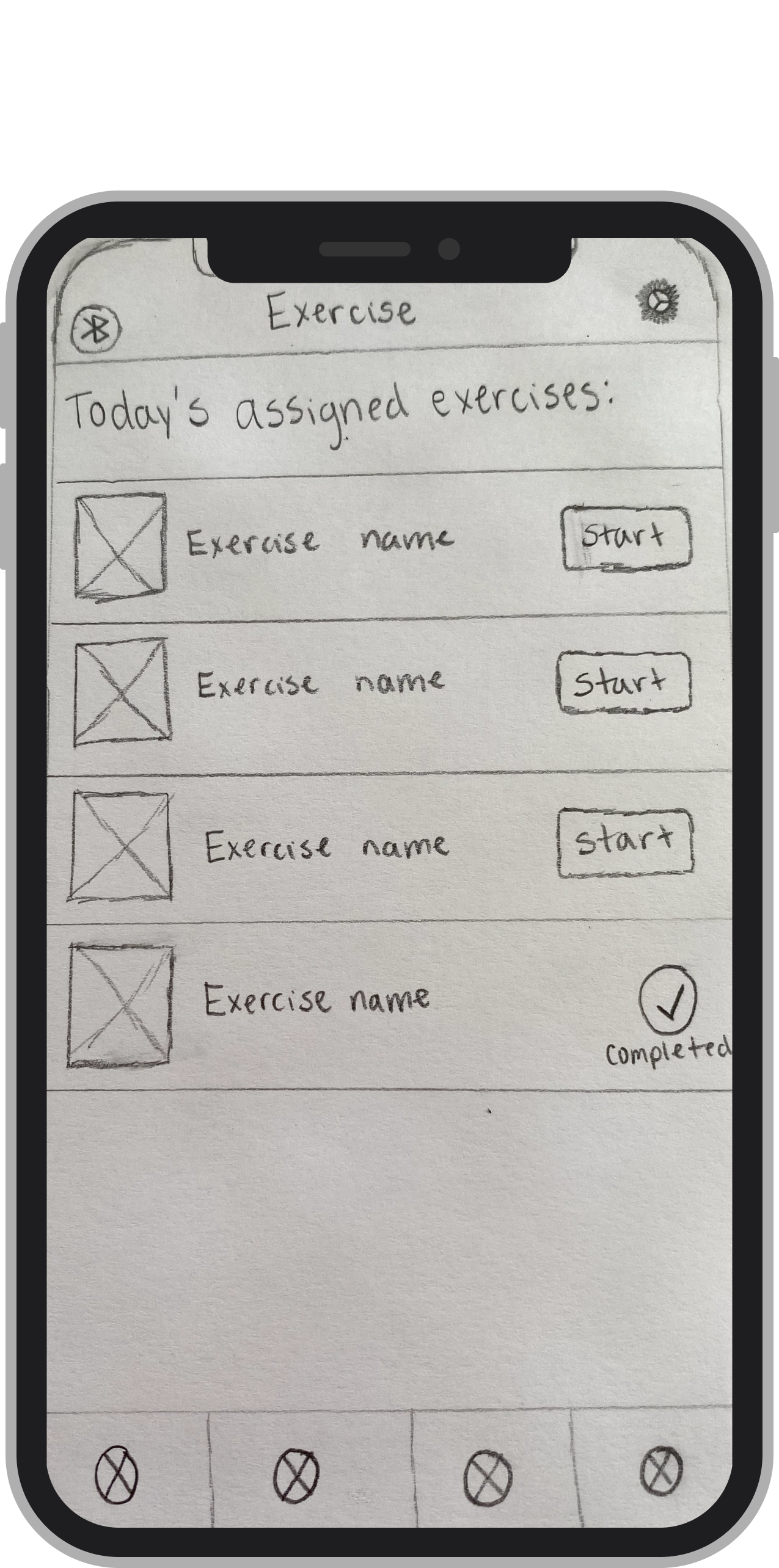
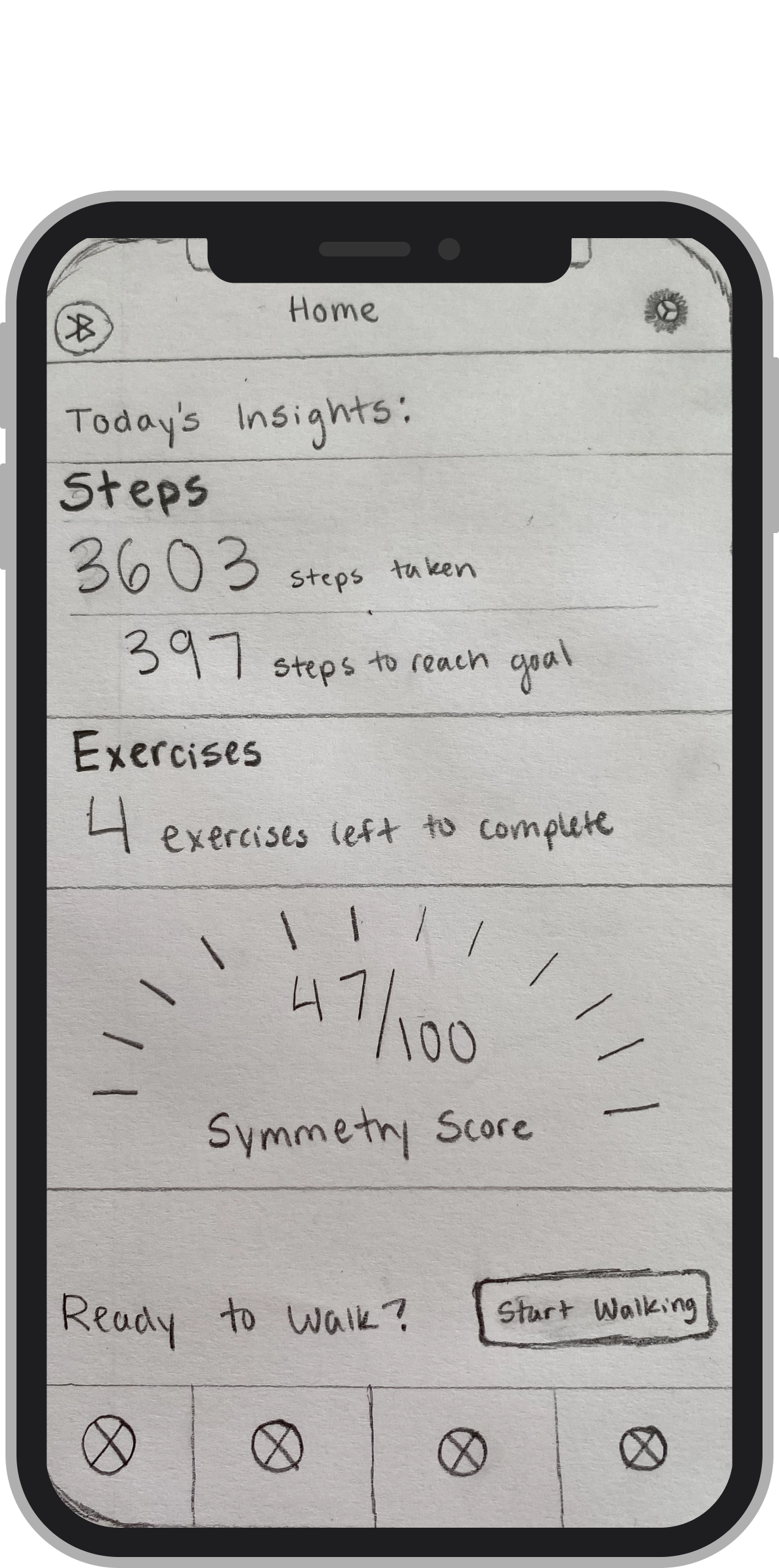
After meeting with patients and physicians to identify the app’s shortcomings and unmet user needs, I began sketching initial design concepts.
Rapid Iteration
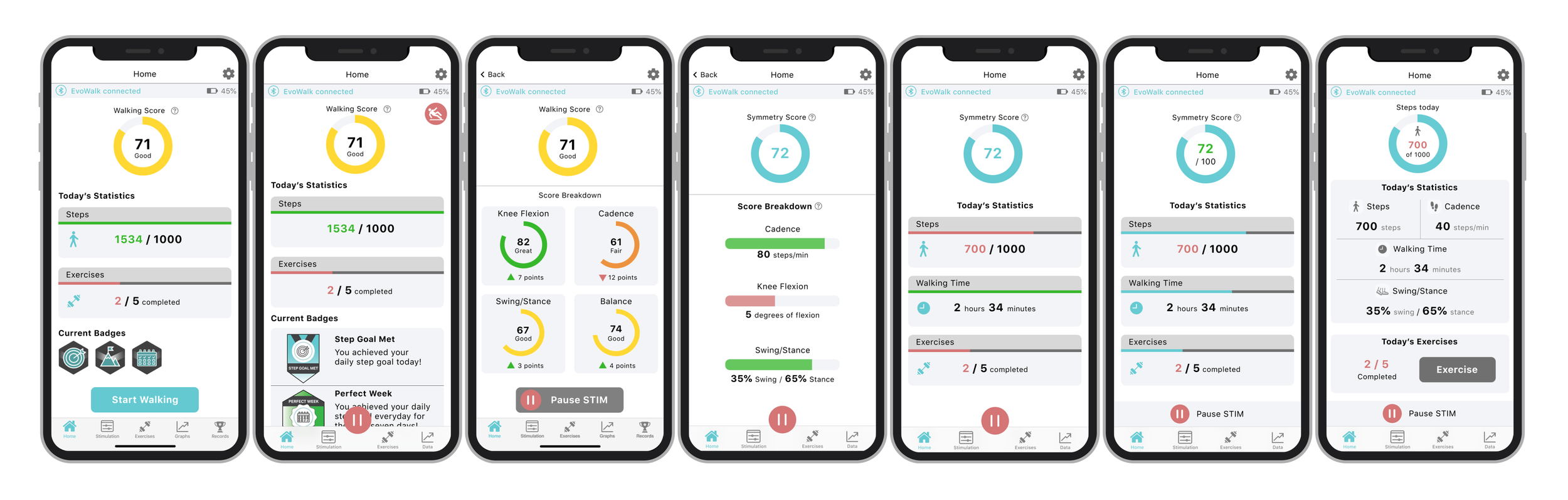
I refined initial sketches based on feedback and rapidly iterated on mockups, continuously testing with real users to evolve the design into an effective final solution.
Usability Testing with Eye Tracking
Key Findings:
Lack of clear visual distinction between interactive and static elements caused user confusion
The calendar page provided little value and could be removed
The full-bleed “Pause Stim” bar was often mistaken for a navigation item
Users found the stimulation page intuitive and easy to use
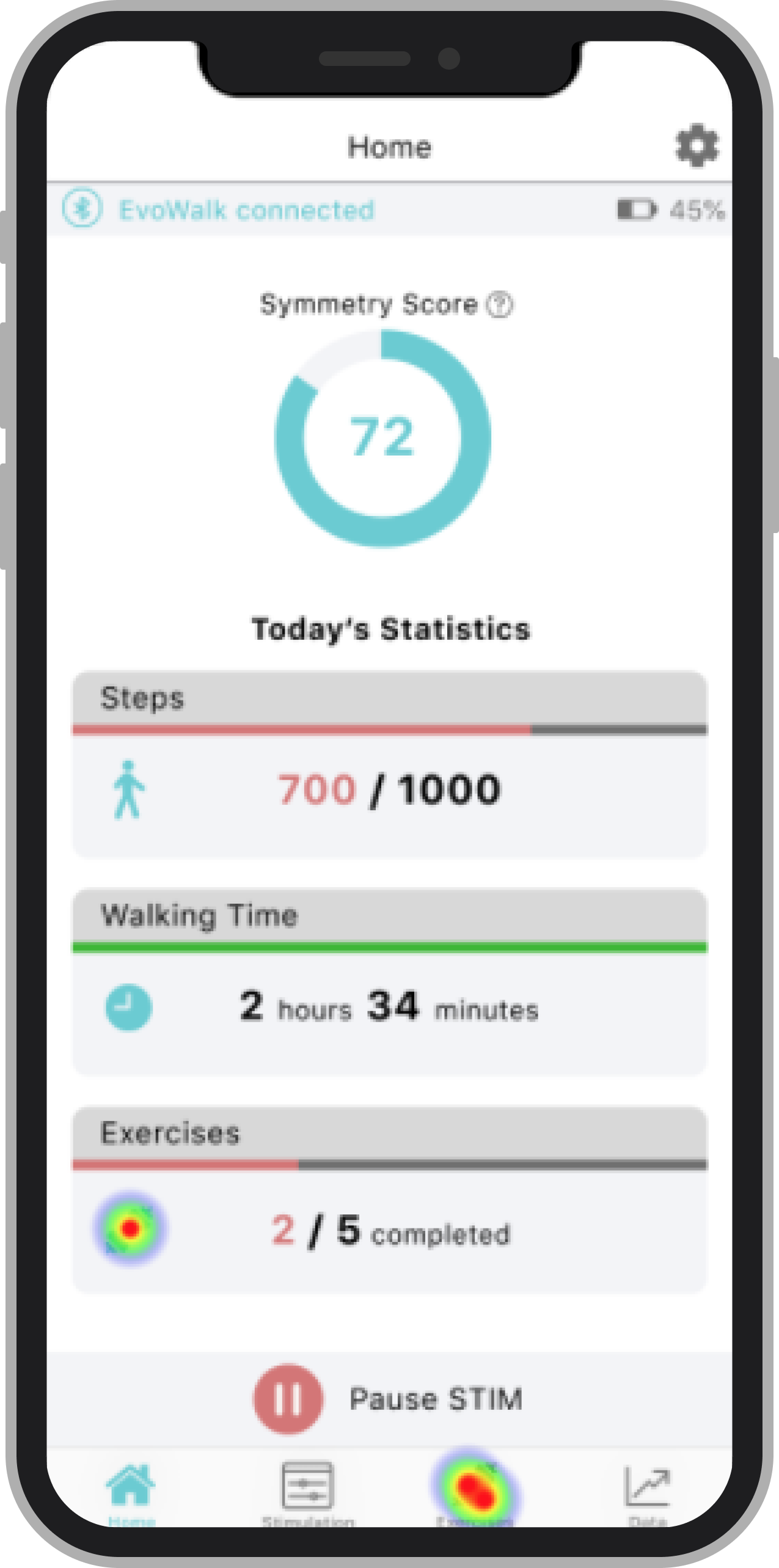
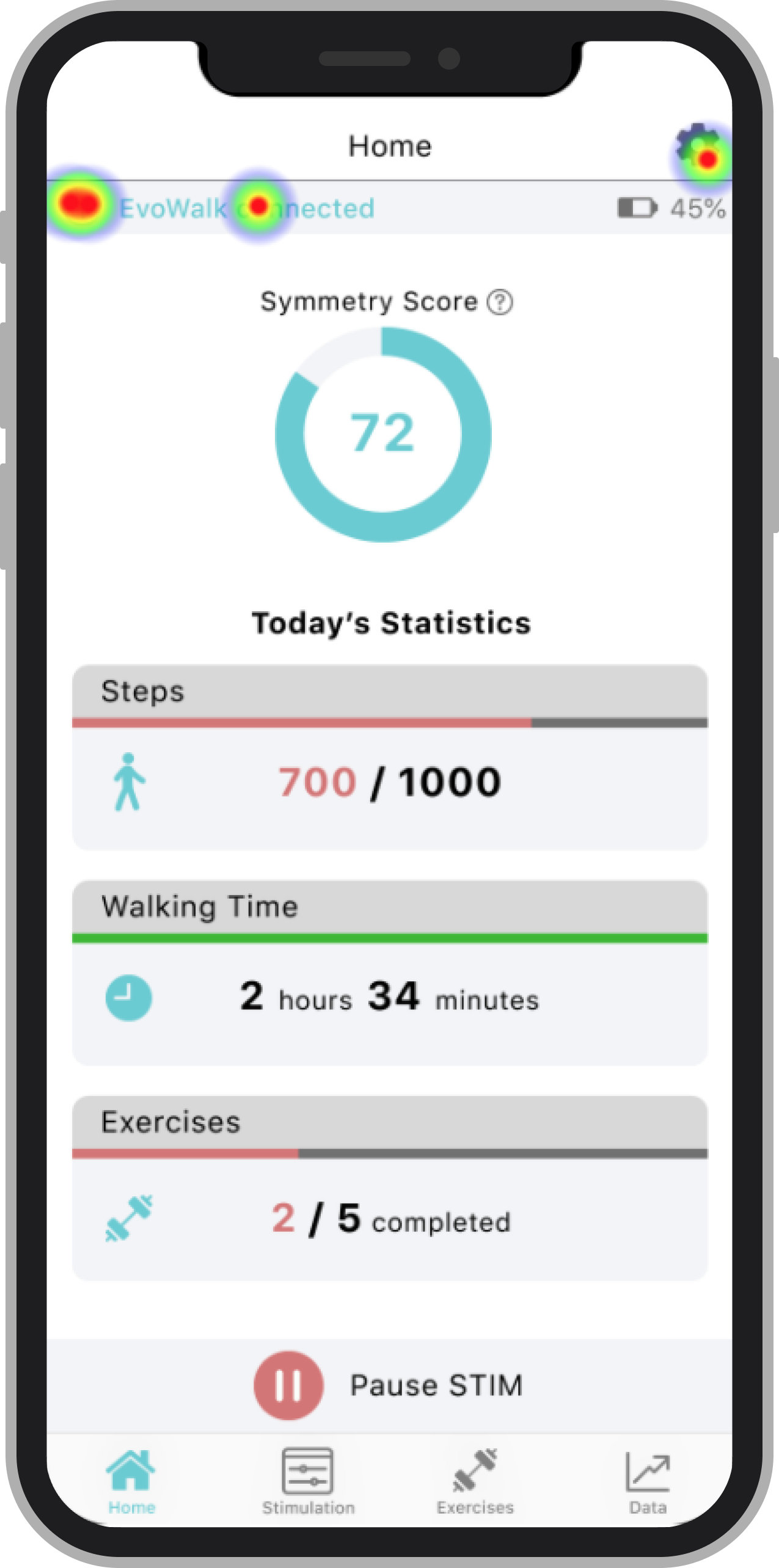
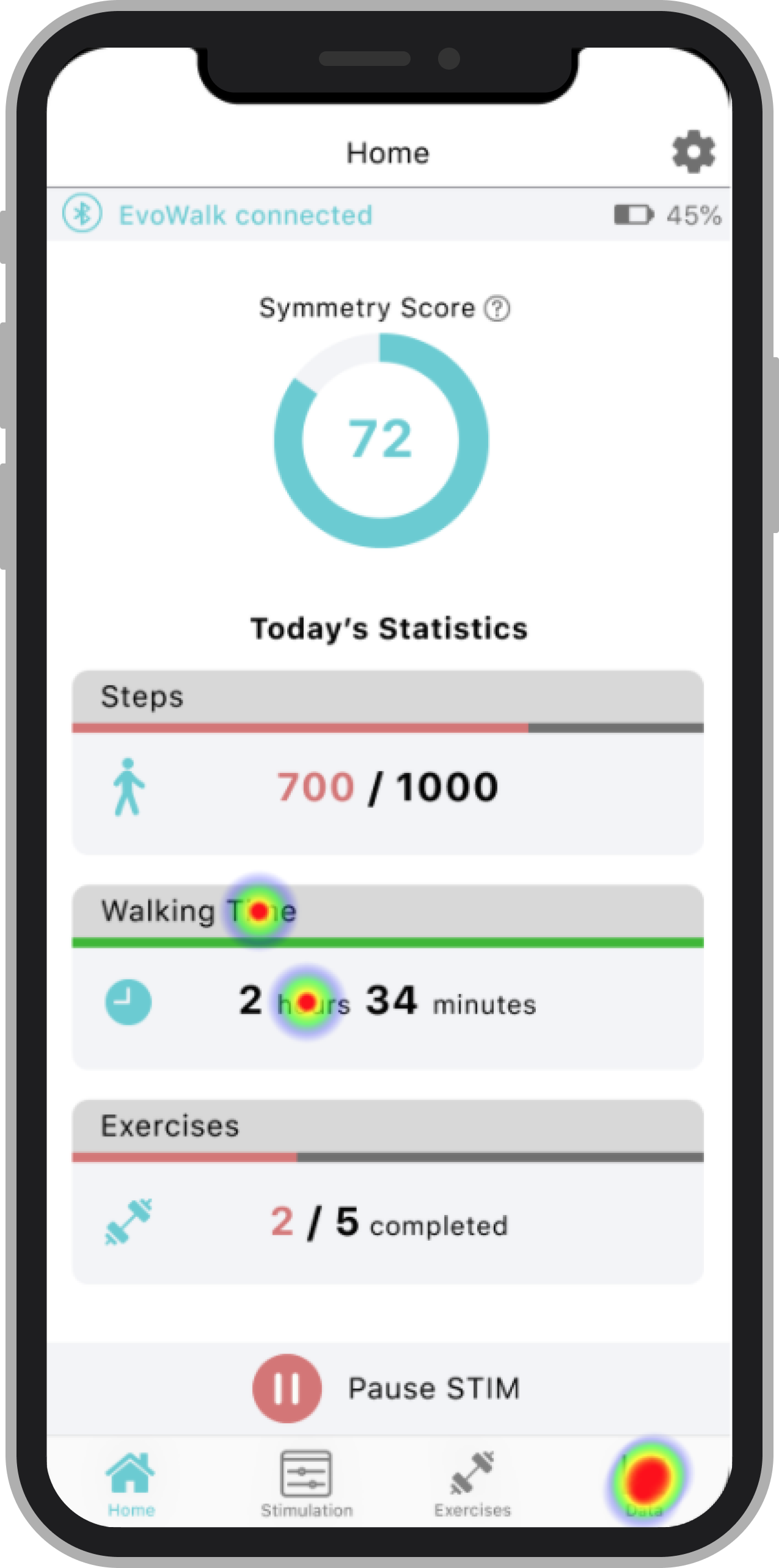
For our usability tests, users were asked to completed six tasks. Below are eye-tracking results from three of those tasks, highlighting how users interacted with the interface.
Patient App Final Prototype
Highlights:
The exercise section displays daily PT-assigned exercises with images and instructions for easy completion.
The Records feature highlights users’ top performances, encouraging self-competition and progress tracking.
Buttons are positioned at the bottom of the screen for easy one-handed use.
Physician App Final Prototype
Highlights:
Personalized exercise programs tailored to each patient’s specific needs.
Comprehensive logs of all recorded falls to monitor patient safety and trends.
Visual graphs tracking patients’ walking data over time to clearly demonstrate progress.
In-person therapy sessions enhanced by PT-controlled app connectivity to optimize EvoWalk device training.